


OCR vs Document Understanding vs Data Extraction
See what changes when a scanned page becomes text, a structured document, and finally a business record—and why each output needs a different check.
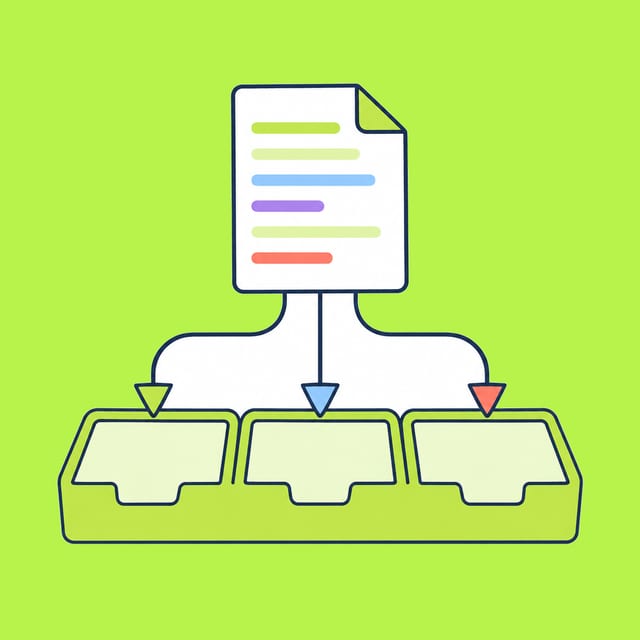
You scan a purchase order and can read its words on screen. Does that mean you can safely put its delivery date and total into a database? Not yet. Reading characters, identifying how parts of the page relate, and filling a business record answer different questions.
Services often bundle these capabilities. Microsoft's Document Intelligence documentation describes text, tables, selection marks, and key-value pairs; Google's Form Parser also combines OCR with layout and field extraction. The distinction below is about the output you need to verify, not a claim that each stage requires a separate product.
Follow one invented purchase order
Imagine a scanned page with this content, written for this example:
Purchase order PO-18
Supplier: Harbor Paper
12 notebooks × $5 = $60
4 folders × $3 = $12
Total: $72
Delivery date: [blank]
The page itself is the reference. There is no real supplier, transaction, or scanned image behind this exercise. It lets us see what each layer would have to preserve.
| Output requested | Useful result | Check against the page |
|---|---|---|
| OCR: recognize text | Characters such as PO-18, $72, and Delivery date | Are the letters, digits, and currency marks correct? |
| Document understanding: preserve relationships | Two line items, each with its quantity, price, and amount; a separate total | Did a value move to the wrong row or column? |
| Data extraction: fill a chosen record | order_id=PO-18, supplier=Harbor Paper, total=72, delivery_date=unknown | Does every field follow the original page and the record's rules? |
OCR might faithfully return the text but lose the layout that tells you which 12 is a quantity and which $12 is an amount. A layout-aware result can still attach $72 to the wrong field. An extraction system can return valid JSON while inventing a delivery date to satisfy a required field. Format validity is not source accuracy.
The empty date is the most important test. If your database requires a delivery date, the correct next action is to flag the record for a person or ask the supplier. It is not to let a model choose a plausible Tuesday. A key-value tool may legitimately return a detected key with no value; the Microsoft documentation explicitly describes that case.
Ask for the output your task actually needs
If you only need a searchable copy of a page, start with text recognition and check difficult scans. If you need to preserve invoice rows or form selections, inspect the structure as well as the words. If you need a record that another system will use, define the exact fields, accepted formats, missing-value behavior, and a human review point for consequential entries.
For the practice order, compare 12 × 5 = 60 and 4 × 3 = 12 yourself, then confirm 60 + 12 = 72. That arithmetic does not prove the page was read correctly; it catches one kind of mapping error. Look back at the source for names, IDs, dates, and any checked boxes. Keep the page location or a review link with a field when your process needs traceability.
This article explains the jobs. Choosing an OCR service or an API model is a separate comparison; our OCR model guide and data extraction model guide cover those questions. Their current prices and model names should be rechecked when you make a purchase.
References
- Microsoft Document Intelligence: general document model: describes text, structure, key-value output, and missing values; it also notes that the older general-document model is deprecated in newer API versions.
- Google Cloud Document AI: Form Parser: documents combined OCR, layout, tables, and key-value extraction.


